DNSKeeper
Know when your DNS changes
DNSKeeper checks your DNS records every five minutes. When a record changes, you get a notification and a Peek, so you see what the change did to your site.
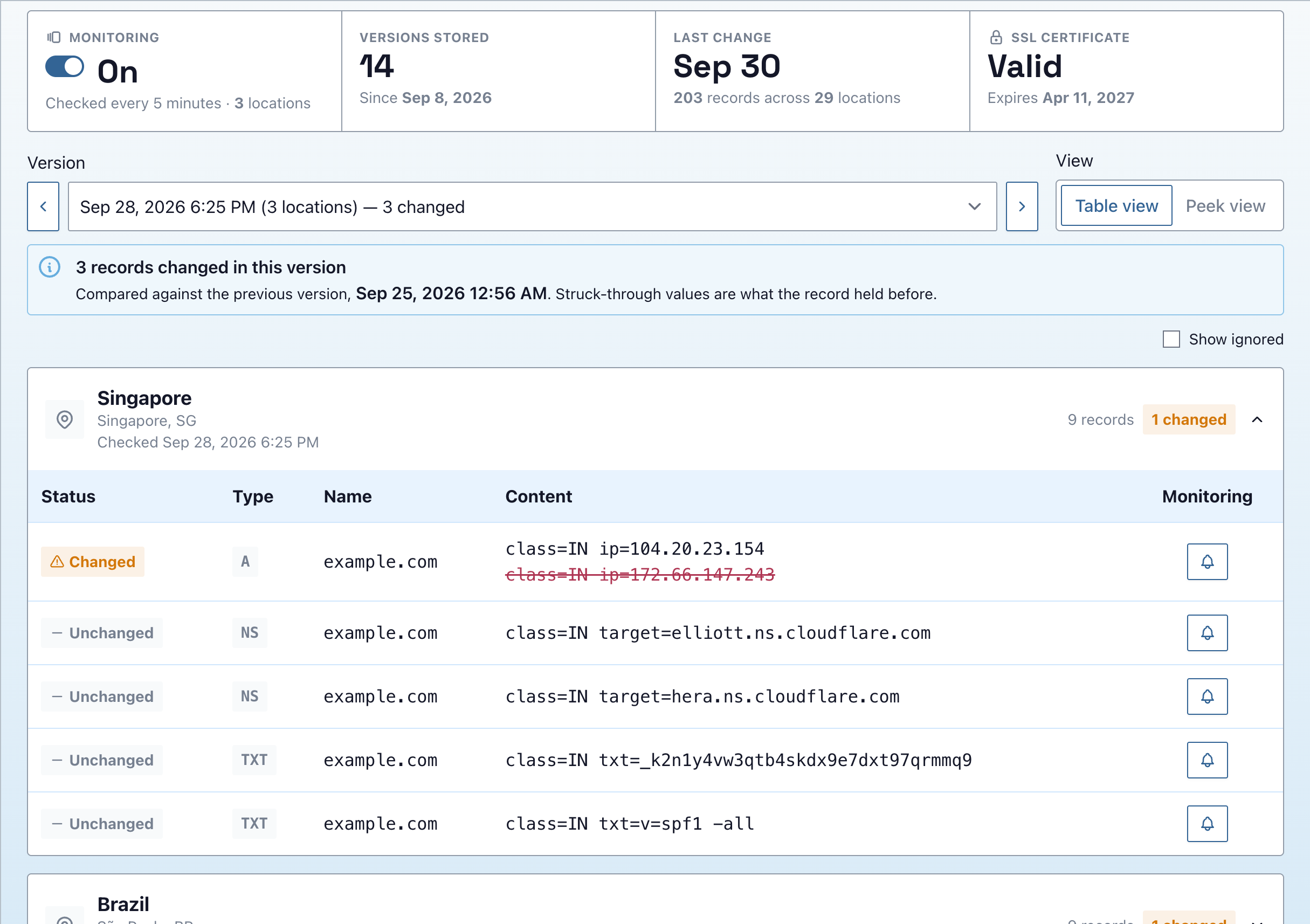
How DNSKeeper works
-
1
Turn it on for your site
DNSKeeper reads your DNS records every five minutes. Each time a record changes, it saves a new version.
-
2
Get a notification when a record changes
Notifications go out by text, email or Slack. Ignore the records you expect to change.
-
3
See what the change did
The location that saw the change takes a Peek of your site. Open it to check the page still loads.
Every change is kept
Each version shows the new value next to the old one, struck through. Step back through versions to see what a record held before. Moving hosts? Watch the change land and see whether the site still loads.
The rest of the PeekSuite
PeekSuite
All-in-one site spot-checking
The PeekSuite is our collection of apps that make up the GeoPeeker experience.
Explore
GeoPeeker
See your site from somewhere else
Every Peek comes from a real browser in that location. Peek from up to 12 locations at once.
Explore
SiteSeeker
Monitoring that comes with a Peek
Checks your site continuously. When a location goes down, it takes a Peek of what visitors saw.
Explore